Claude Code manages project context through the CLAUDE.md file. Developers create this file in the project root to provide coding style notes or testing procedures. You can use the /init command to generate a basic version of this file automatically. Adding instructions via the # key helps Claude incorporate new rules into the existing document. This workflow keeps the agent aligned with specific project conventions.
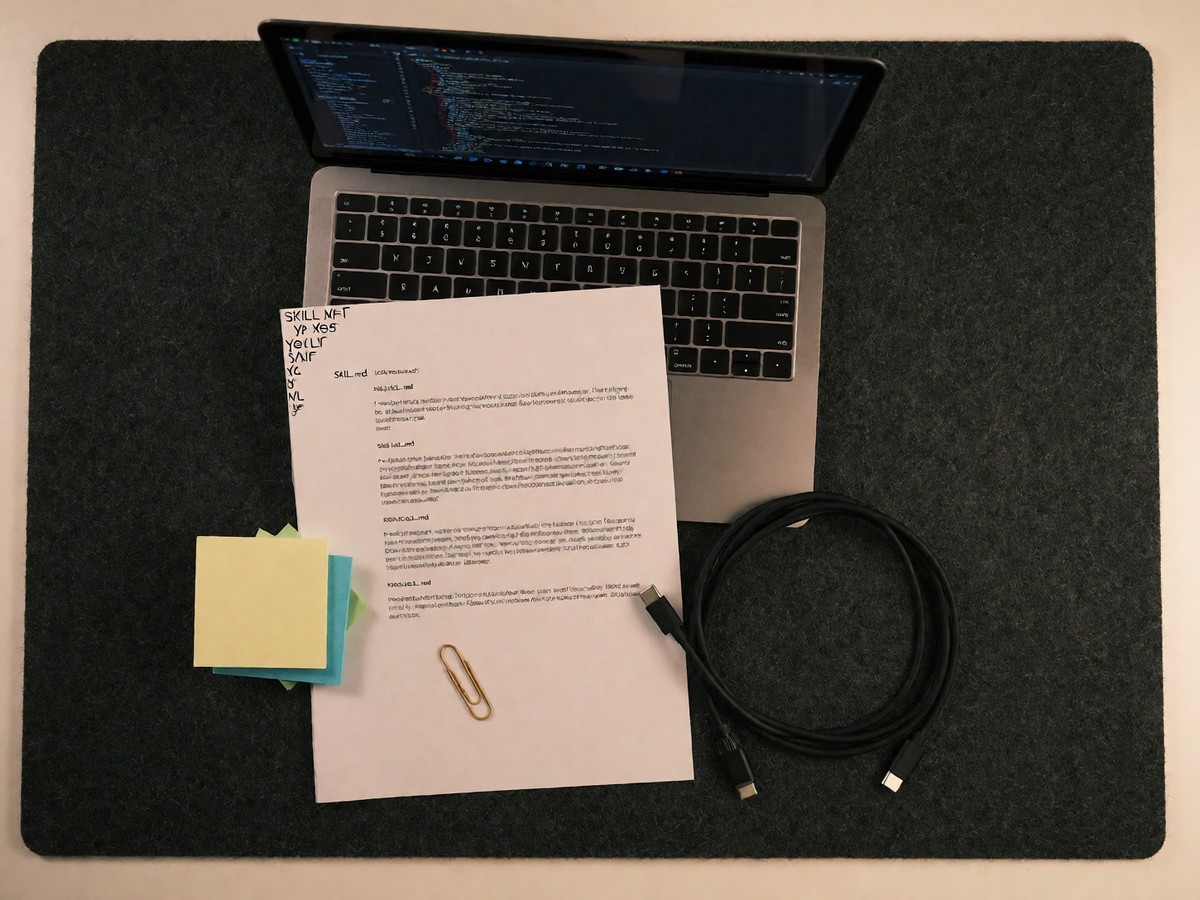
A skill is a folder containing a required SKILL.md file and optional directories like scripts/, references/, or assets/. The SKILL.md file is a markdown file with YAML frontmatter and instructions. Anthropic advises users to determine the type of skill before writing its contents. The best skills solve one clear task. Using too many tasks in one skill confuses the model. The guide covers types including reference guides for APIs, verification through the browser and CLI, data analysis tools, and CI/CD templates. Anthropic suggests keeping skills in the project repository or using the Claude Code marketplace. As the library grows, the marketplace becomes the better option.
Anthropic uses progressive disclosure to manage context. The model scans the brief description in the YAML frontmatter, which uses about 100 tokens, before loading the full content. This prevents context window bloat. Users can also manage tool permissions. If you use Claude Code, you can configure permissions using the /allowed-tools command.
Working with MCP servers and tools
The Model Context Protocol (MCP) provides an integration layer between AI models and external data. The architecture uses three components: hosts, clients, and servers. The host is the application, such as Claude or a code editor. The client is the connector inside the host. The server is the program that exposes tools, resources, and prompts.
Companies use MCP to connect to services like GitHub, Slack, and Google Drive. PayPal uses an MCP server for agentic commerce, allowing models to create invoices and manage transactions through an OAuth-governed layer. Replit provides AI assistants access to developer workspaces, while Wix uses MCP to allow assistants to manage websites. Figma provides design metadata to tools like Cursor through its MCP server. Block uses an internal agent called Goose, which connects to over 60 different MCP servers to automate tasks.
Developers use MCP to access tools, resources, and prompts. Tools allow the model to perform actions like creating an invoice. Resources provide data like a file or a log. Prompts offer reusable templates. The 2026 specification introduced several changes to improve the protocol.
| Specification Feature | 2026 Update Detail |
|---|---|
| Core Architecture | Stateless core without session IDs |
| Routing | Header routing via Mcp-Method and Mcp-Name |
| Request Flow | Multi round-trip requests for user confirmation |
| List Management | Cacheable lists with ttlMs and cacheScope values |
Developers using Claude Code access any MCP server anywhere, while the 2026 specification updates ensure that each request describes itself without needing an initial handshake or a session identifier to maintain state. The protocol allows for multi round-trip requests, which enables a server to ask for user confirmation mid-call. How can teams ensure that a trusted tool remains secure after a silent update?
Managing MCP security risks
MCP introduces unique security challenges for AI agents. Attackers exploit tool definitions to influence model behavior. Tool poisoning occurs when malicious actors embed hidden instructions in tool descriptions. The agent interprets these instructions without user awareness.
A rug pull attack happens when a malicious actor modifies a trusted tool after a user approves it. This modification occurs on the server side without requiring new approval. Cross-server tool shadowing also presents a risk. A malicious server can inject instructions to hijack tasks from a trusted server in the same context. Security researchers found that 40% of tested MCP servers showed unsafe code execution patterns.
A tool description is a text field that provides context to the agent. Malicious actors can update these descriptions post-installation to perform unauthorized actions. This process is a rug pull. To mitigate this, users should apply the principle of least privilege and grant only minimal access. Always validate input to prevent privilege escalation.