Unified memory and the MLX architecture
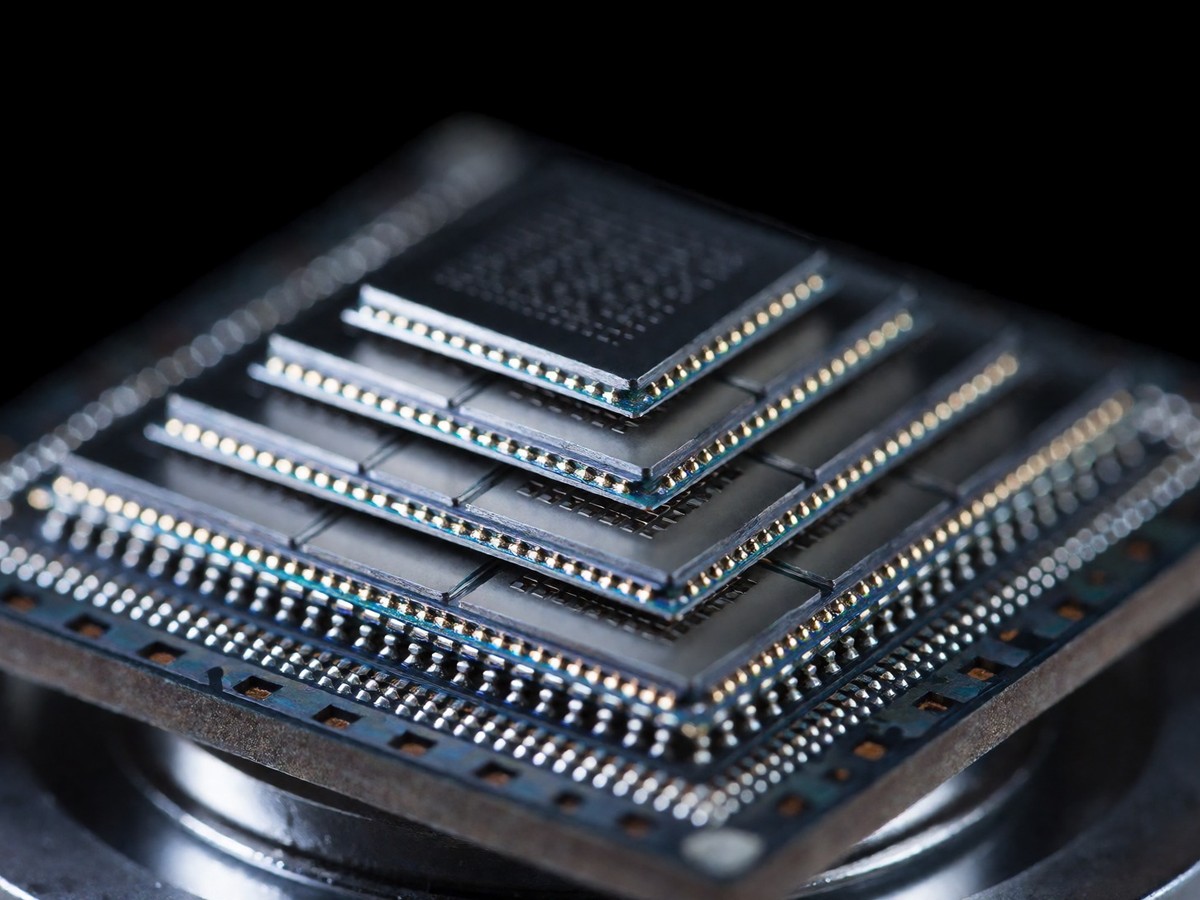
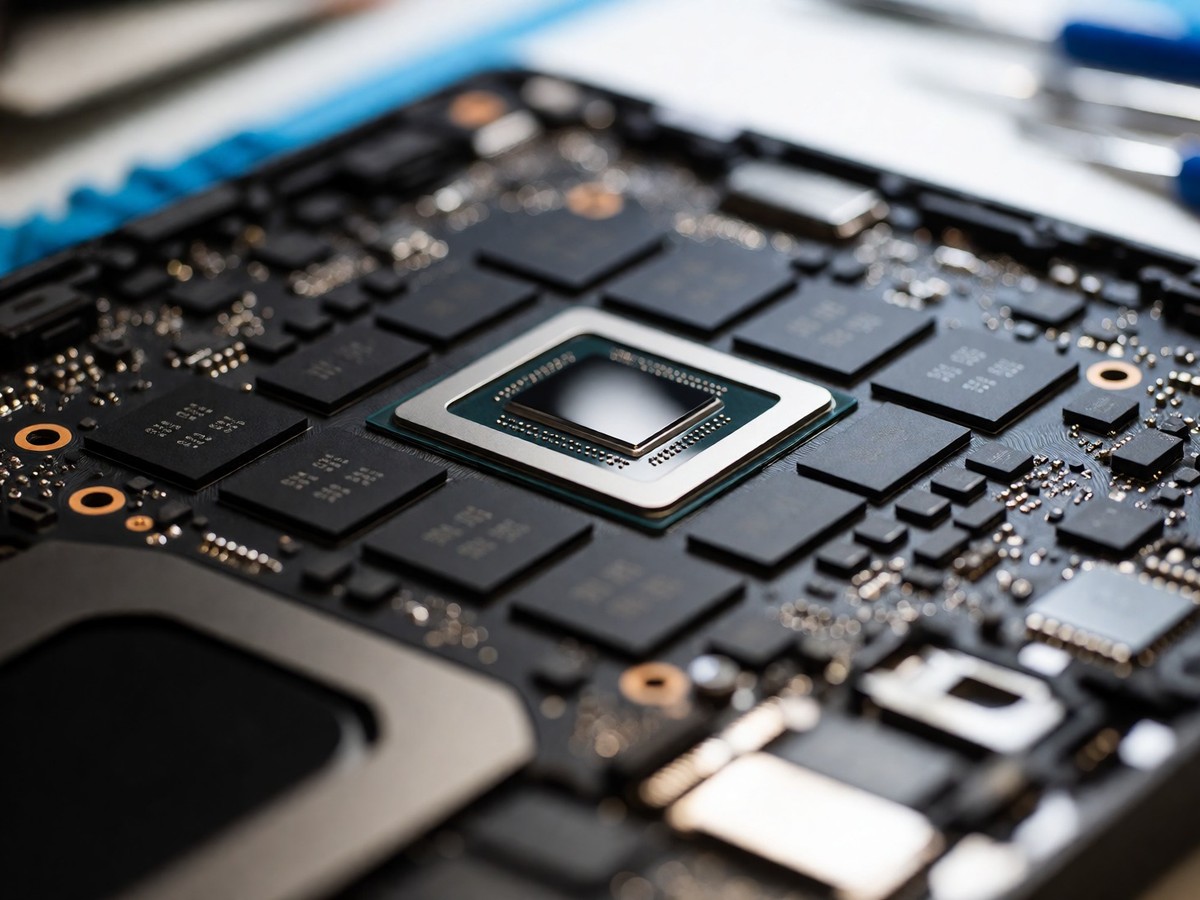
Apple Silicon uses a unified memory architecture where the CPU and GPU share the same physical RAM pool. The unified memory architecture allows the CPU and GPU to share the same physical RAM pool, which means model weights and KV cache can be shared between the CPU and GPU with no copy overhead. MLX uses lazy evaluation to ensure operations execute only when the output is needed, which allows the compiler to fuse operations and reduce memory bandwidth. The stack consists of a Python API, a C++ core, and Metal shaders at the bottom. Because the framework was built from scratch specifically for transformer inference, MLX provides better tokens per second for larger models at the same memory footprint than many of the generic options used on other hardware platforms. The M5 and A19 Pro chips are the first to include tensor units that allow matmul on the GPU. On-device machine learning provides improved privacy, reduced latency, and the ability to use models when an internet connection is unavailable. Apple Silicon chips, such as the M1, M2, and M3 series, provide the high performance and energy efficiency needed for these tasks. A MacBook Pro M4 Max with 128GB of unified memory can run a 70B parameter model that would require a $15,000 discrete GPU rig on x86 hardware.
Performance comparisons and deployment limits
Performance results depend on the model size and the specific quantization used. On an M4 Max with 128GB of RAM, MLX generates 31 tokens per second for Llama 3.1 70B using Q4_K_M quantization, while the llama.cpp Metal backend reaches 28 tokens per second. At a context window of 32K tokens, MLX can be 15 to 25 percent faster than the llama.cpp Metal backend. For the Llama 3.2 3B model on an M4 Pro with 24GB of RAM, the llama.cpp Metal backend hits 112 tokens per second with Q4_K_M quantization, whereas MLX reaches 87 tokens per second. On an M2 Air, MLX outperforms PyTorch in computing the BERT transformer model by an 8 percent CPU utilization margin. If you are testing on a MacBook Pro or Mac Studio, MLX is the default inference layer for serious local work in 2026. How do engineers reconcile the high performance of MLX on Mac with its complete lack of mobile deployment capabilities?
| Hardware | Model | Quantization | MLX (t/s) | llama.cpp (t/s) |
|---|---|---|---|---|
| M4 Max (128GB) | Llama 3.1 70B | Q4_K_M | 31 | 28 |
| M4 Pro (24GB) | Llama 3.2 3B | Q4_K_M | 87 | 112 |
| M4 Pro (24GB) | Llama 3.2 3B | FP16 | 87 | 112 |
One user found that the MNIST project using the MLX framework runs slower than PyTorch. In the context of LLM deployment, llama.cpp remains a heavy competitor because it supports GGUF, Safetensors, and custom Modelfiles across macOS, Linux, Windows, iOS, Android, and even web platforms. Ollama has evolved to handle these diverse needs by using llama.cpp as its native backend, though it now also supports native MLX backends for select model architectures. While Ollama can route inference to the MLX execution path for certain models, it uses the llama.cpp path for GGUF models. Testing with Mistral-7B shows that llama.cpp has an edge in generation speed, while testing with Phi-2 shows that MLX can reach 85 tokens per second for 4-bit models. When models exceed the available RAM, the system hits swap, which makes inference effectively unusable. A 70B model on a 64GB machine might drop to 1-3 tokens per second when relying on swap-backed inference.
The development workflow and the deployment gap
MLX operates as a training and research framework where the work product is usually a CoreML model. This distinction creates a gap for teams that need to deploy models to mobile platforms. MLX only runs on macOS and lacks support for iOS, Android, Linux, or Windows. While MLX uses the GPU via Metal, CoreML achieves 2 to 5 times faster inference on iPhone by routing tasks to the Neural Engine. The Neural Engine is designed for very low power, specific inference tasks like extracting text from images or performing photo classification without destroying the battery. Oncillo provides a way to bridge this gap by offering multi-modal inference across iOS, Android, macOS, and Linux using a unified API. Oncillo also leverages the Neural Engine to achieve sub-120ms latency on Apple devices. The decision to use CoreML or TensorFlow Lite depends on whether inference runs on-device, in the cloud, or in a hybrid setup. On iOS, CoreML achieves 2 to 5 times faster inference by routing to the Neural Engine, whereas TensorFlow Lite often falls back to the CPU. You should use MLX for model experimentation and fine-tuning on a Mac, then convert those models to GGUF format for deployment through engines like Oncillo or llama.cpp. You might know the basics of local inference, but moving to production requires addressing the deployment gap between macOS and mobile OSs.