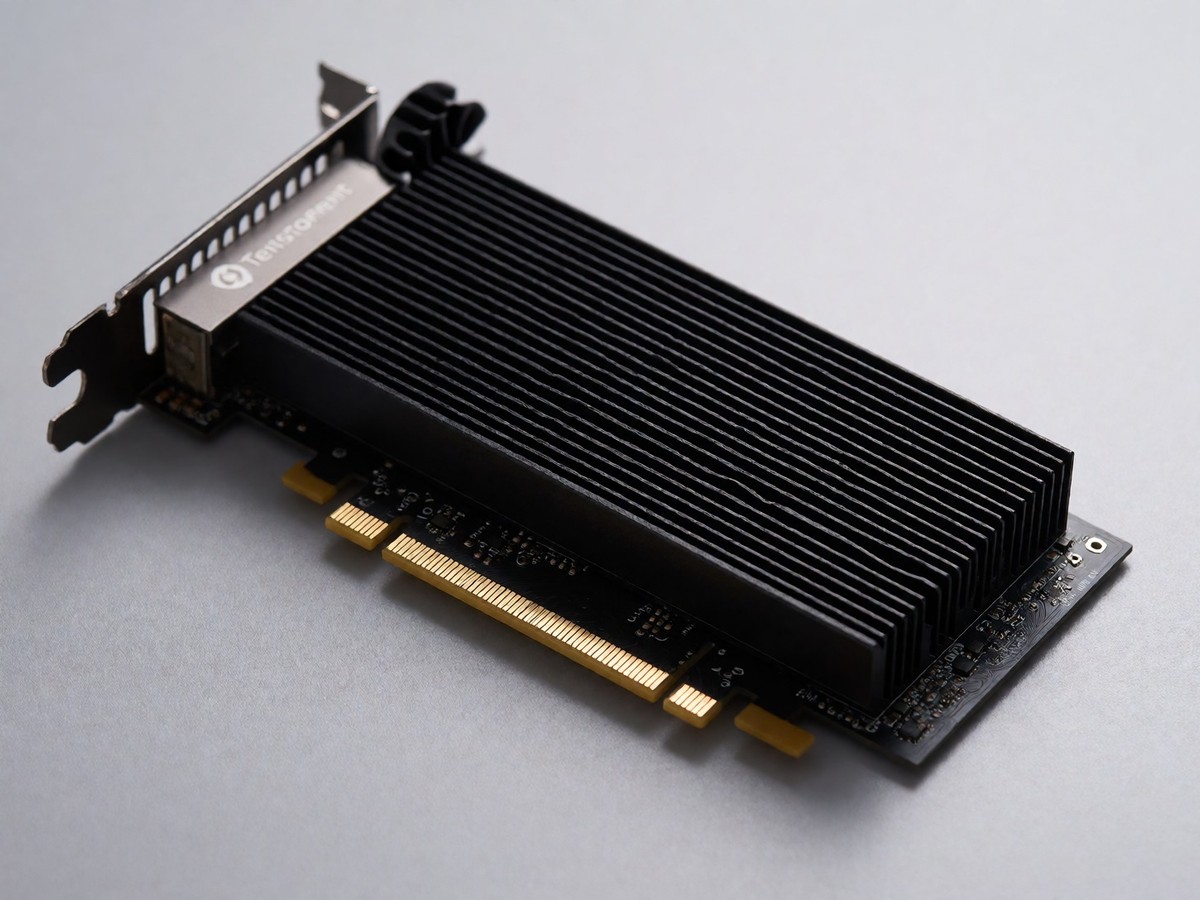
The Tenstorrent Wormhole n150 is a PCIe card that requires specific software setup before it can run AI models. I recommend starting with the tt CLI, which handles driver installation, firmware updates, and the TT-Metalium software stack in one flow. If you do not have physical hardware yet, the Tenstorrent Cloud Console provides browser-based access to their silicon so you can test workflows without waiting for shipping. The local installation process begins by installing system dependencies, then the drivers, and finally the software stack. You verify the hardware using tt-smi, a command-line tool that ships with the stack and displays device telemetry and firmware info. This verification step confirms that the host sees the card and that the kernel module loaded correctly.
Setting up the environment
The documentation guides users through a manual installation path if they prefer step-by-step control over the automated CLI. This involves installing system dependencies first, followed by the specific drivers required for the Wormhole architecture. Once the drivers are in place, you install the TT-Metalium environment, which serves as the low-level interface between your code and the chip. The tt CLI simplifies this by managing the lifecycle of tt-kmd, tt-firmware, and tt-smi on the host. For Kubernetes users, there is a dedicated method to run Tenstorrent accelerators within a cluster, requiring you to install and configure the device stack inside the containerized environment. I find the CLI approach faster for initial testing because it reduces the chance of version mismatches between components. The software also includes an MLIR-based backend compiler infrastructure that lowers models onto the Tenstorrent hardware. This compiler is essential for transforming standard deep learning graphs into executable instructions for the Tensix cores.
Running models and verifying performance
After the environment is set up, you can serve large language models, diffusion models, speech, and vision models using either the tt CLI or TT-Studio. The tt CLI provides an OpenAI-compatible endpoint, which makes it easy to integrate existing applications without rewriting client code. TT-Studio offers a more visual experience for serving these models and includes tools for fine-tuning workflows. One recent update allows you to delete training jobs and promoted adapters, while also seeding runs for reproducibility. Model downloads over Hugging Face Xet are approximately six times faster on gigabit connections, though you can disable this feature with the TT_STUDIO_DISABLE_HF_XET=true environment variable if needed. The ecosystem includes a curated directory of over 115 community and official projects across twelve categories. These projects range from image classification using TT-Forge to real-world apps like coding assistants on QuietBox 2.
| Component | Function |
|---|---|
| tt CLI | Installs drivers, firmware, and serves models |
| TT-Studio | Visual interface for serving and fine-tuning |
| tt-smi | Displays device telemetry and firmware info |
| TT-Metalium | Low-level programming interface for the chip |
A significant limitation remains in the software maturity compared to established GPU stacks. The TT-Metalium SDK requires programmers to reason explicitly about which SRAM holds what data and when it moves across the Network-on-Chip. This is meaningfully harder than writing a CUDA kernel, and the verified model support does not yet cover the full ecosystem of frameworks available for Nvidia GPUs. The architecture is distinctive, but the software ecosystem is still catching up to prove the hardware’s claims at scale. How long until the developer experience matches the convenience of CUDA?